
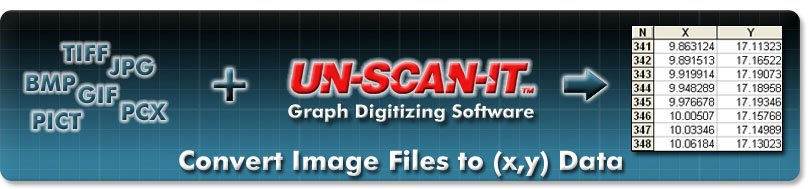

Convert Image Files to (x,y) Data
"UN‑SCAN‑IT is phenomenal!! I am able to get valuable information that is saving me from re-doing experiments. Well worth the money!!" - Sue B., Michigan, USA
"I can tell you now that you had the best graph digitizing package when I bought UN‑SCAN‑IT a while ago and still have it, by far... it is worth every penny!" - Pieter S., South Africa
The UN‑SCAN‑IT software is an accurate and intuitive tool used to convert graphical image files to (x,y) data. The UN‑SCAN‑IT software takes any standard image file (JPG, TIFF, GIF, BMP, PNG, etc.) and determines the scaled (x,y) data values of the graph. These images can come from a scanner, digital camera, converted PDF file, internet, etc. To convert an image to data, there are 4 basic steps...
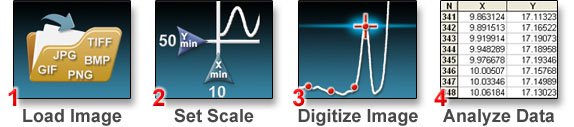
To accurately convert scanned graph images to xy data, the graph reader / graph scanner software must deal with a variety of different graph types and issues. The UN‑SCAN‑IT image digitizing program contains both automatic and manual digitizing modes, and corrects for tilted graphs, variable line thickness, intersecting curves, log scales, grid lines, etc. (for a list of UN‑SCAN‑IT features click here). The digitized (x,y) data can be saved in ASCII text format and easily exported to spreadsheet, graphic, or data analysis program.
Click Here for Tutorial Videos Page...
Additional Information and Free Demo
